ISSUE #01November 2026NESPreservation Kit #01 in developmentSend your setup to the communityMade in ChileISSUE #01November 2026NESPreservation Kit #01 in developmentSend your setup to the communityMade in Chile
For soldering: temperature-controlled iron and flux
Inspect
Check the contacts in good light. Dark stains mean dirt or oxidation.
Alcohol and swab
Dampen (don't soak) and rub the contacts in one direction.
Repeat until clean
Switch swabs until they stop coming out black.
Open if needed
With the security bit you can open the shell and clean both sides of the board.
Let it dry
Wait a few minutes before inserting it. Alcohol evaporates fast; patience doesn't.
Cartridge cleaning is the simplest repair and the one that revives the most 'dead' games. It also applies to the console: the NES 72-pin connector deserves its own tutorial, and it'll get one in Issue #01.
If the next step is soldering — replacing a save battery or a connector — invest in a temperature-controlled iron and good flux. Flux cleans the surface and makes the solder flow: without it joints come out cold, dull and fail over time. Work at the right temperature (around 320–350 °C for leaded solder) and don't hold the tip on the board for more than a few seconds.
Set up a safe space: a heat-proof surface, the iron's stand always within reach, cables away from the edge of the desk and nothing flammable nearby. Wash your hands after handling leaded solder and don't eat at your workbench. If you get burned, run cold water over it for several minutes; no ice, no toothpaste.
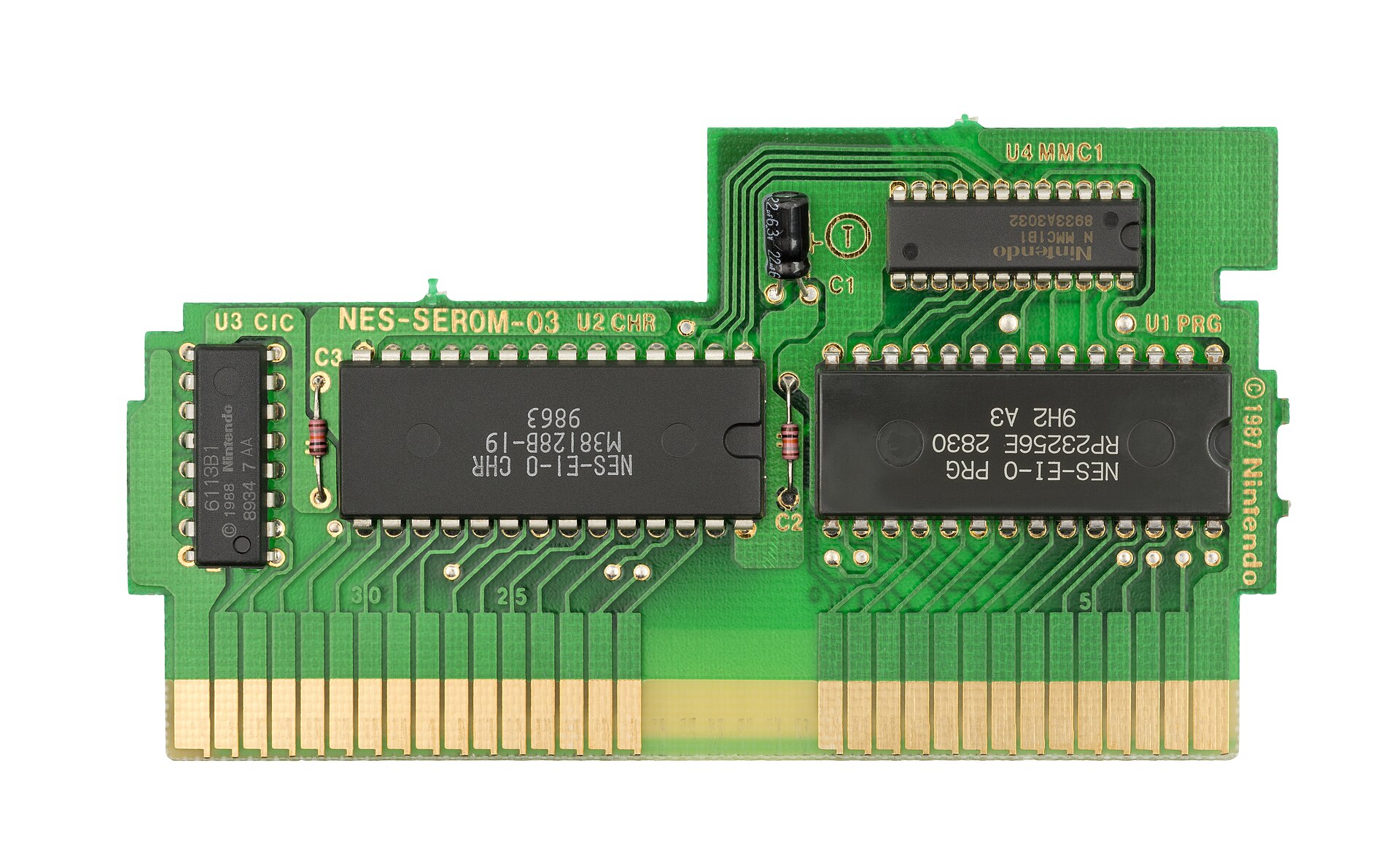
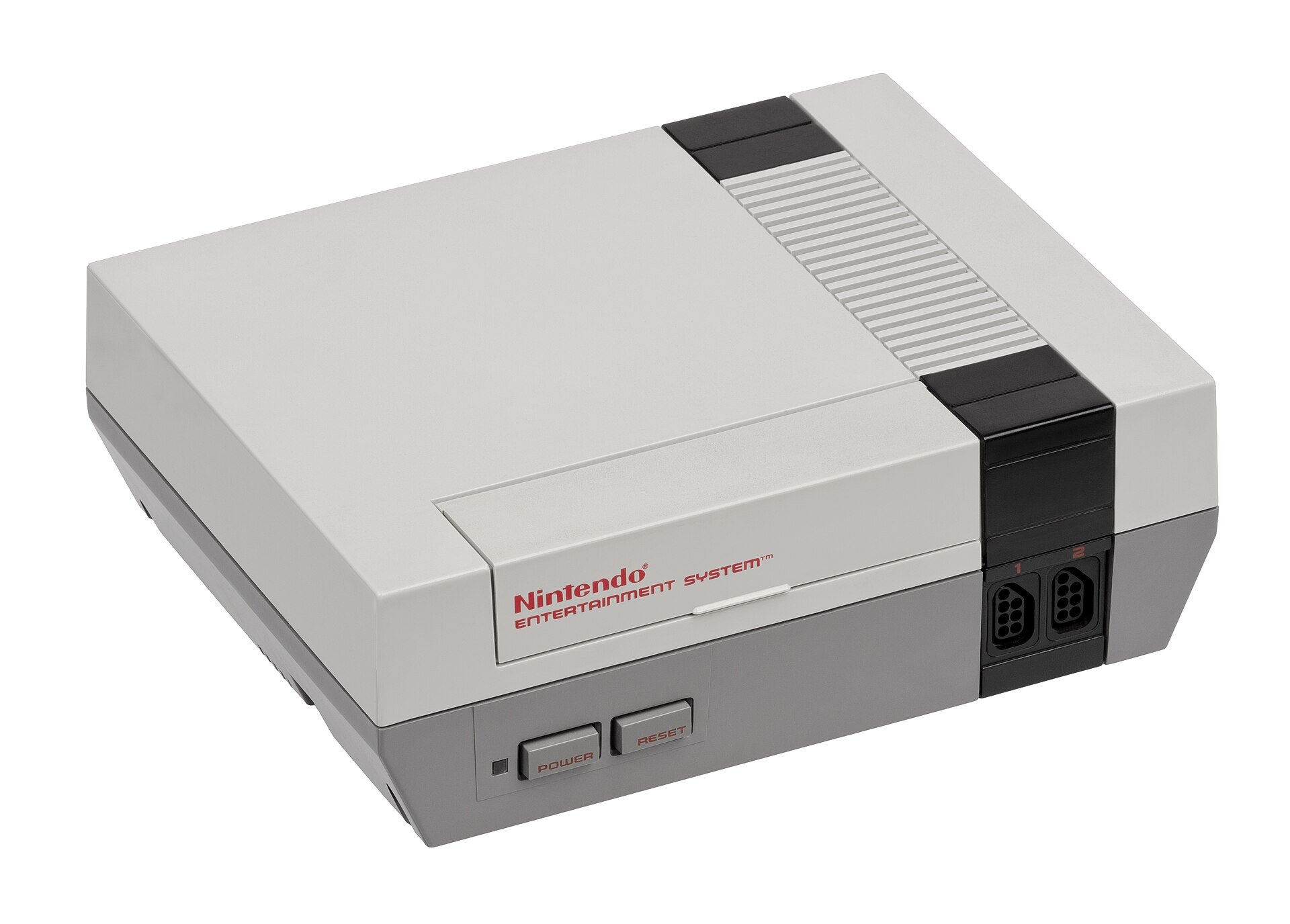 Evan-Amos · Public domain
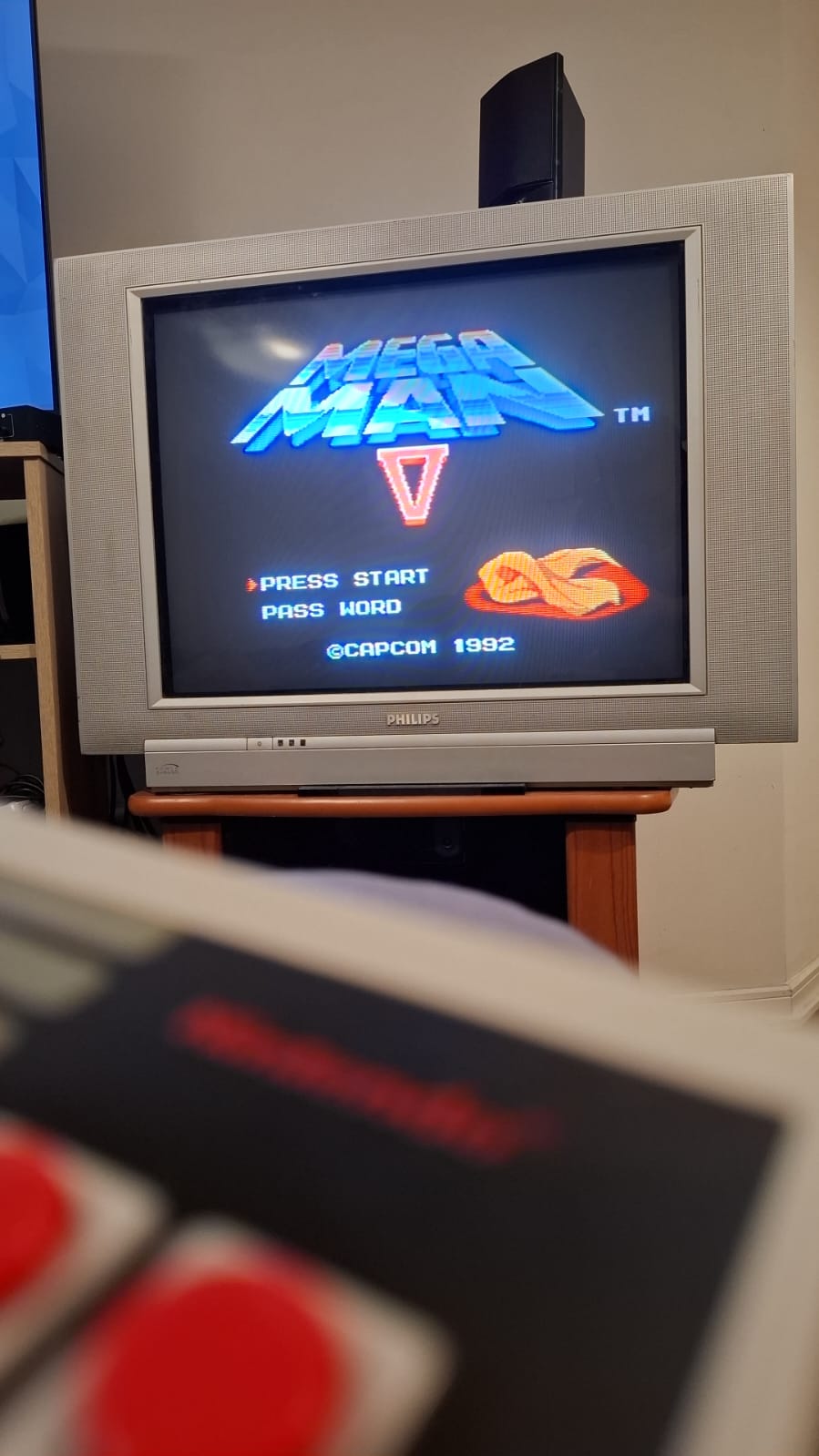 Equipo Wisegrow · Foto propia
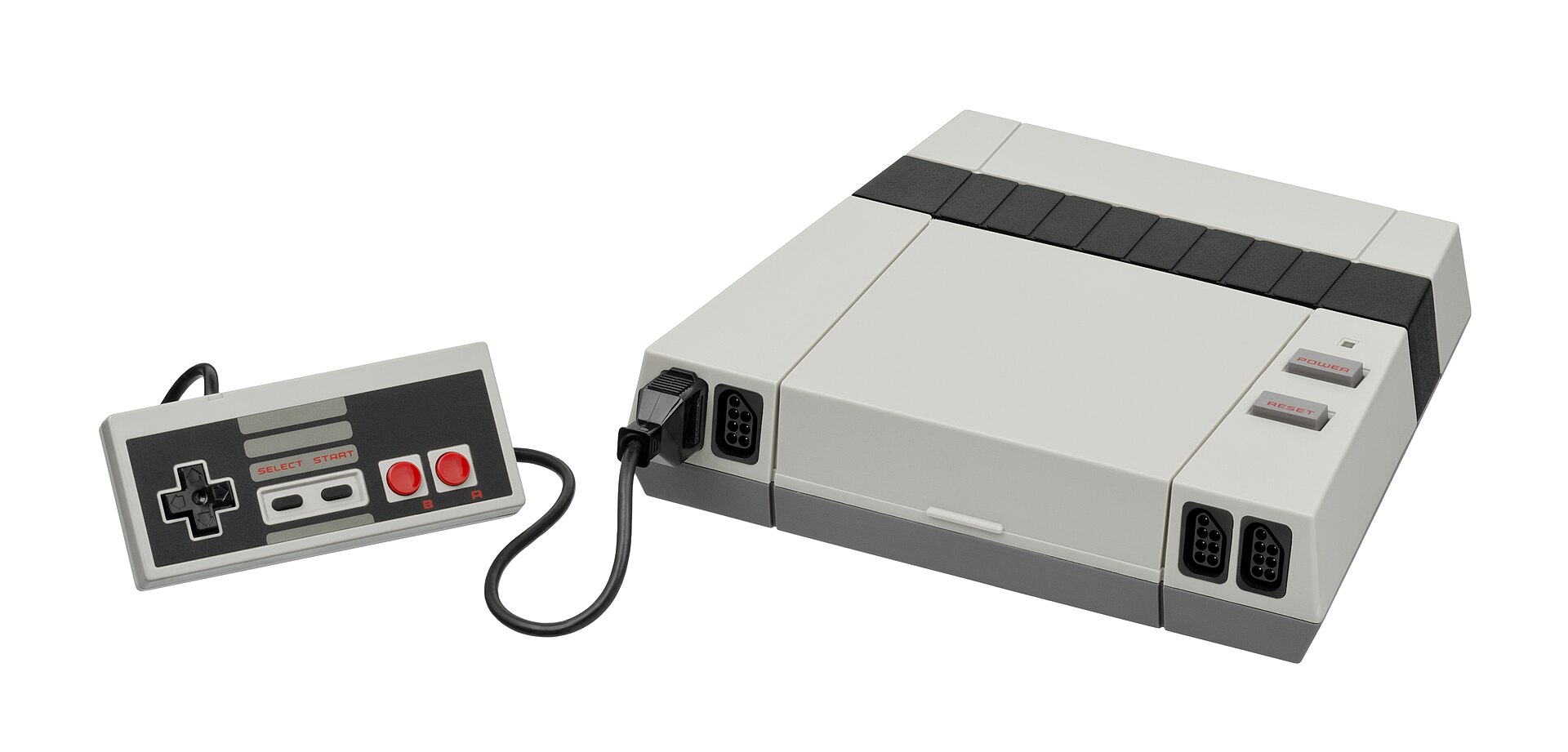 Evan-Amos · Public domain