Blog
CD/DVD burning tips for retro consoles
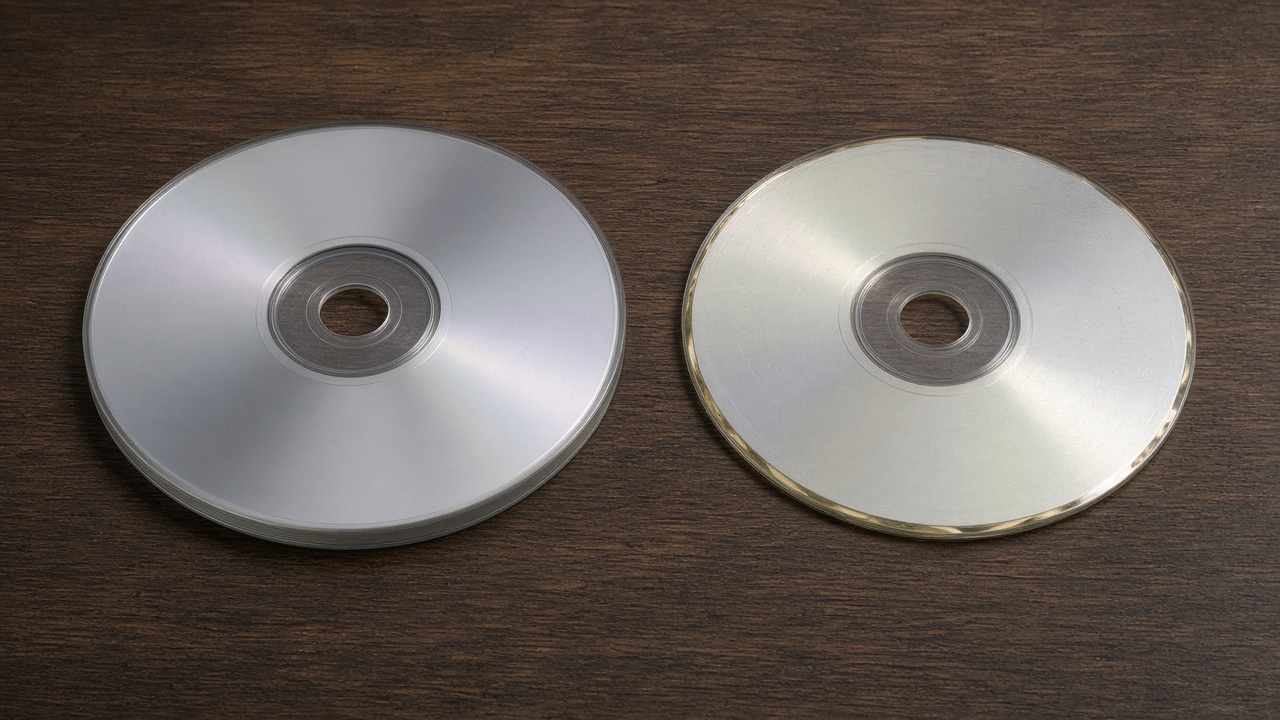
Burning a backup is not only about software. The blank disc, the burner, and the console drive have to get along. On old optical consoles (especially PSX), a burn the PC marks perfect can still fail in the living room.
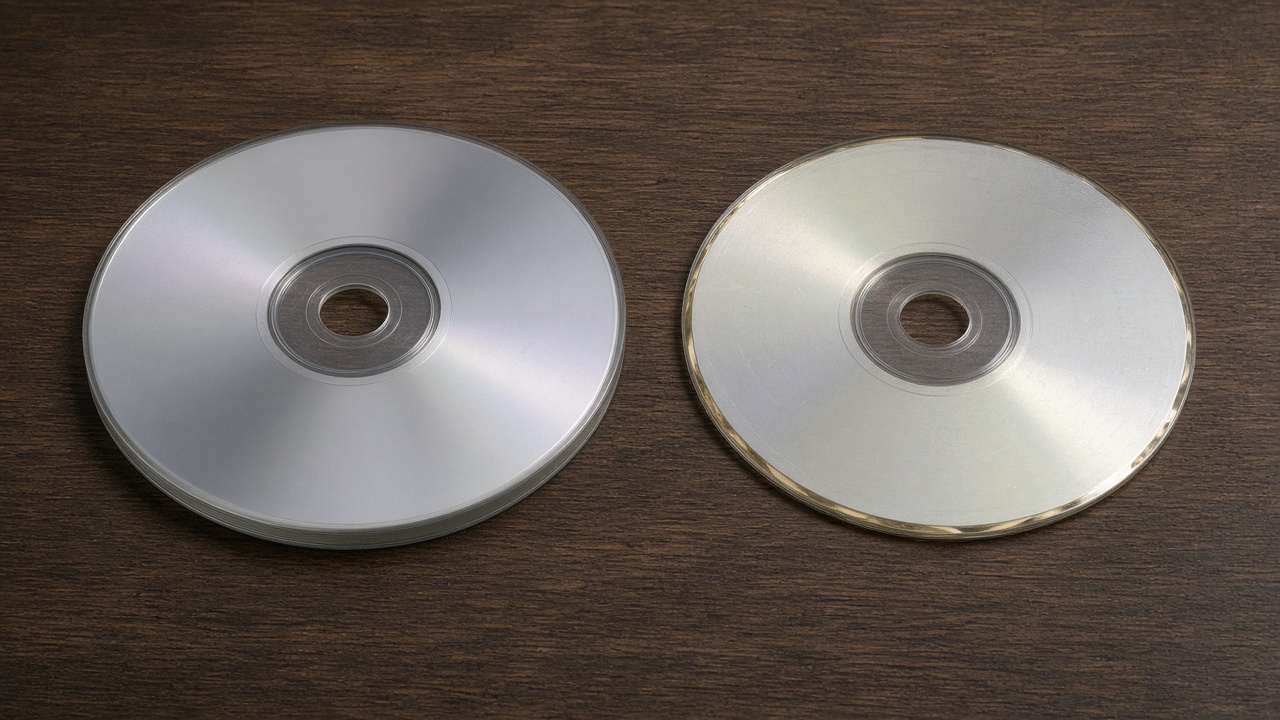
The ImgBurn clicks are in the step-by-step guide. Here: media, speed, and hardware.
CDs are not what they were in the 2000s
Between the 90s/2000s and today, CD-Rs changed a lot:
- 2000s: “thicker” discs, more stable polycarbonate, more reliable reflective layers on serious brands.
- Today: many cheap discs are thinner, with less consistent materials; they age worse and are sensitive to speed.
A supermarket CD can burn clean on a modern PC and still fail on an original PSX.
Tip: small brand pack, note the batch, and when you find one that works, restock the same. Prioritize well-made 700 MB CD-Rs.
There is no single correct speed
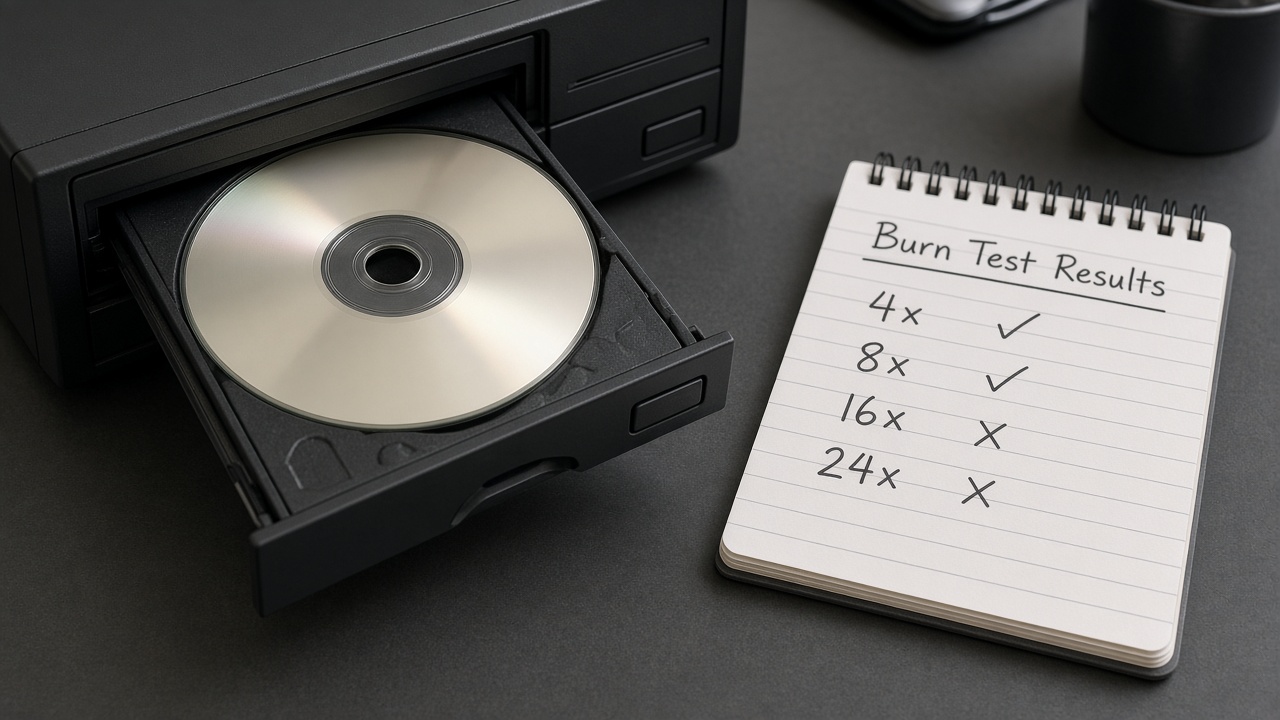
On some burners, burning very slowly (4x/8x) gives the best result. On others, slow introduces more errors and medium or maximum works better.
- Same media (brand and batch).
- Tests at 4x → 8x → 16x → maximum.
- Validate each disc on the console, not only on the PC.
- Note the winning combo.
You will lose some discs. That is the toll; afterward the system is dialed in.
Avoid external USB burners if you can
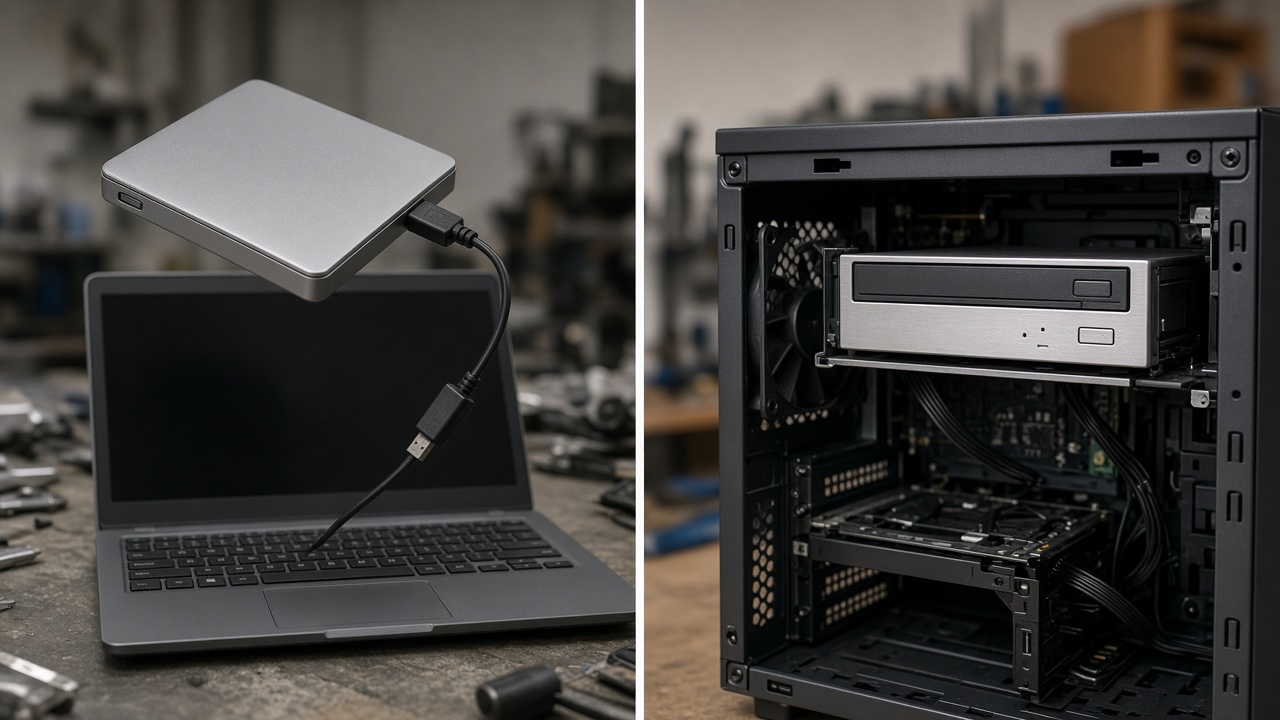
- Less stable voltage and power (hubs, loose cables).
- More sensitive to USB bus drops.
- More “badly burned” discs that the PC still marks OK.
Prefer an internal burner. If you only have external: good cable, direct port, no hub.
Golden tip: old PCs + quality discs
Look locally for cheap old PCs with a healthy internal burner, and pair them with decent CD-Rs. They often burn better for PSX than new DVD/BD writers.
Plausible reasons:
- They were designed for CD-R, not as a legacy mode of a Blu-ray burner.
- Better power calibration (OPC) for dyes of that era.
- Pits/lands with contrast the PSX laser reads better.
- Internal power more stable than many USB setups.
- More mature firmware for DAO and raw layouts (BIN/CUE).
Old and broken does not help: it must be clean, tray firm, and laser alive.
The console drive also counts
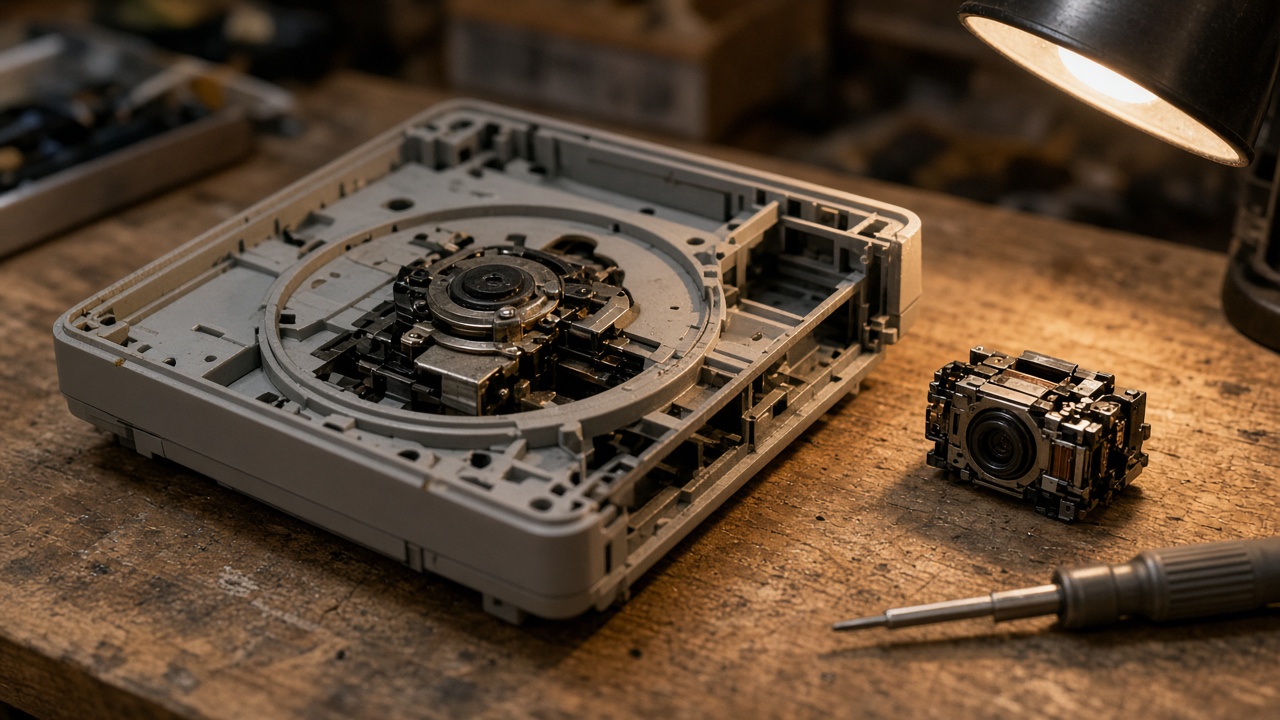
If the burn is good and it still will not read, look at the drive. On an original PSX the pickup is decades old.
Buying a compatible new reader/laser and replacing it often improves both backups and originals.
The stable formula: quality CD + healthy internal burner (preferably from an old PC) + tested speed + console drive in good shape.
Common mistakes
- Copying “the forum speed” without testing your hardware.
- Blaming only the software when the CD is junk.
- Trusting only PC verification.
- Insisting only with new USB burners.
- Dismissing a cheap old PC that already has the ideal drive.
- Forgetting that the console laser may be on its last legs.
Concrete procedure: ImgBurn guide to burn a PSX backup. You can also see the PSX disc dump/backup guide.
Comments
Be the first to comment.