Guides
How to back up your PSX games
Short tools-and-steps guide to archive PlayStation 1 discs you already own.
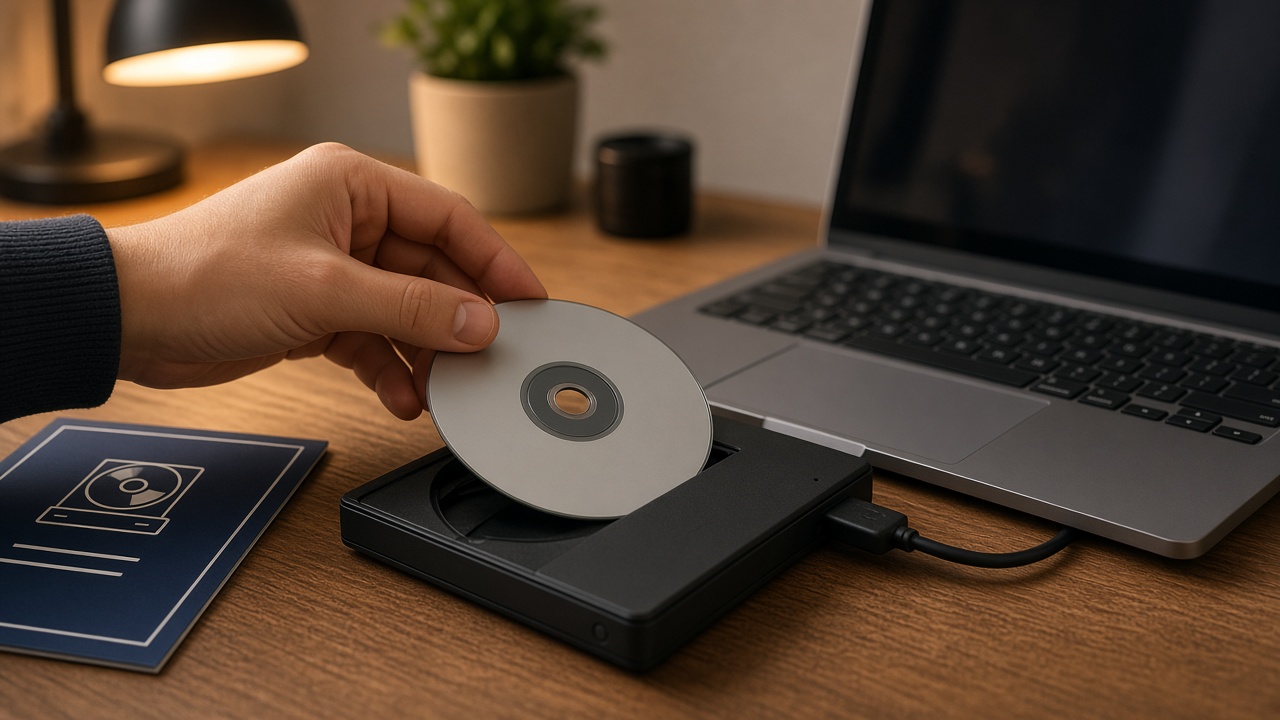
Short guide to back up PS1 discs that are already yours. Goal: have a playable image and leave the original stored with less handling.
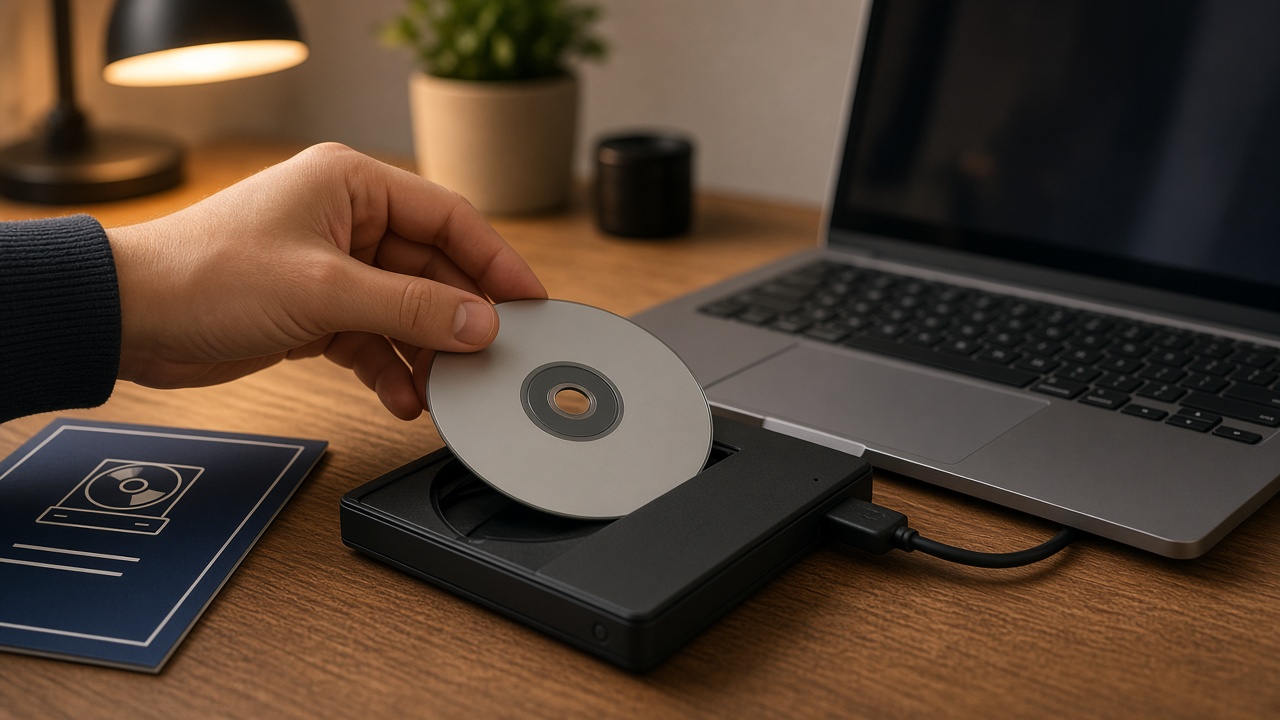
What you need
- The original game (clean CD).
- A CD/DVD drive (internal or USB).
- A PC with several free GB per game.
- Imaging software: ImgBurn (Windows); Redump workflows if you want exact archival dumps.
- An emulator to test (e.g. DuckStation) — only to verify your backup.
Steps
- Clean the disc with microfiber, from center to edge.
- Insert the CD and close other programs that use the drive.
- In ImgBurn (Create image file from disc mode), choose the drive and folder. Usual format: BIN + CUE.
- Wait until it finishes. If there are errors, try another drive or clean again.
- Test the image in the emulator.
- Organize folders by title and keep a second copy on an external HDD.
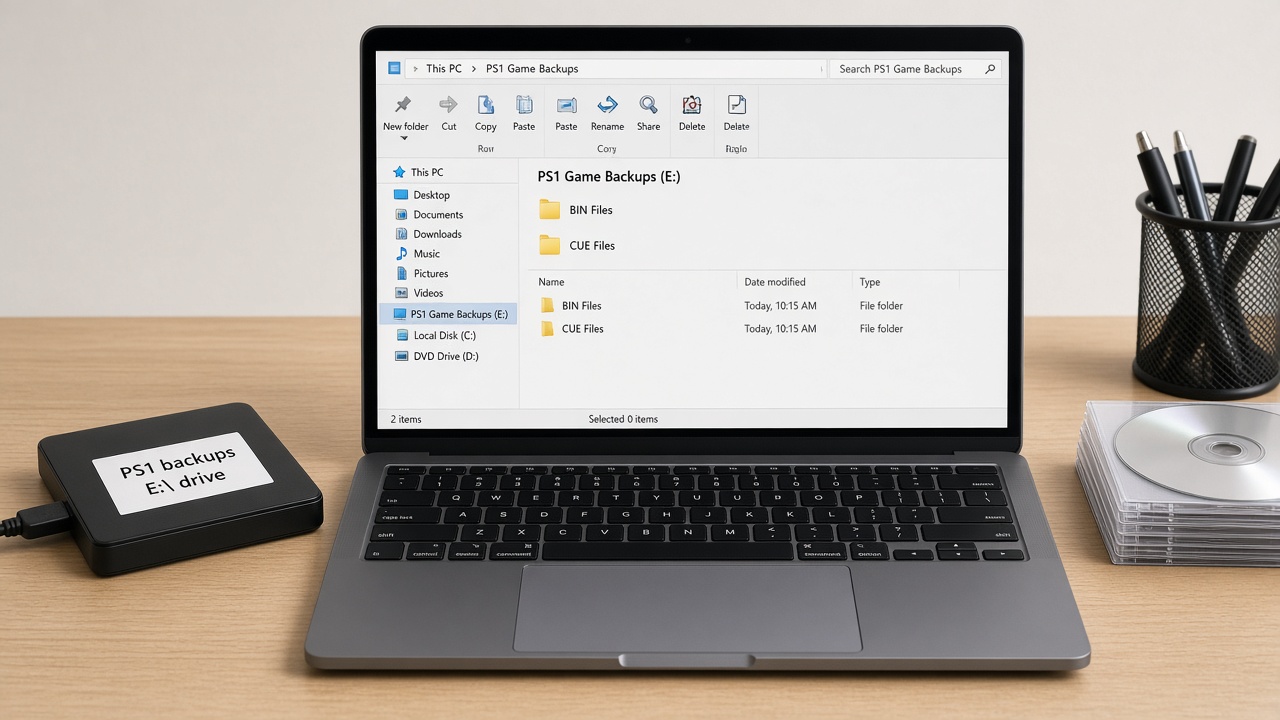
After the backup
- Store the original CD vertically, away from sun and extreme humidity.
- Do not share or upload your dumps: the point is personal preservation.
- If the disc no longer reads, look for another physical copy in good condition.
More context: CD/DVD obsolescence.
All guides Collecting blog Store Marketplace
Comments
Be the first to comment.