Guides
Maintain and clean cartridges that will not boot
Why carts fail to respond, how to clean pins with isopropyl alcohol and a cotton swab, and how to prevent it.
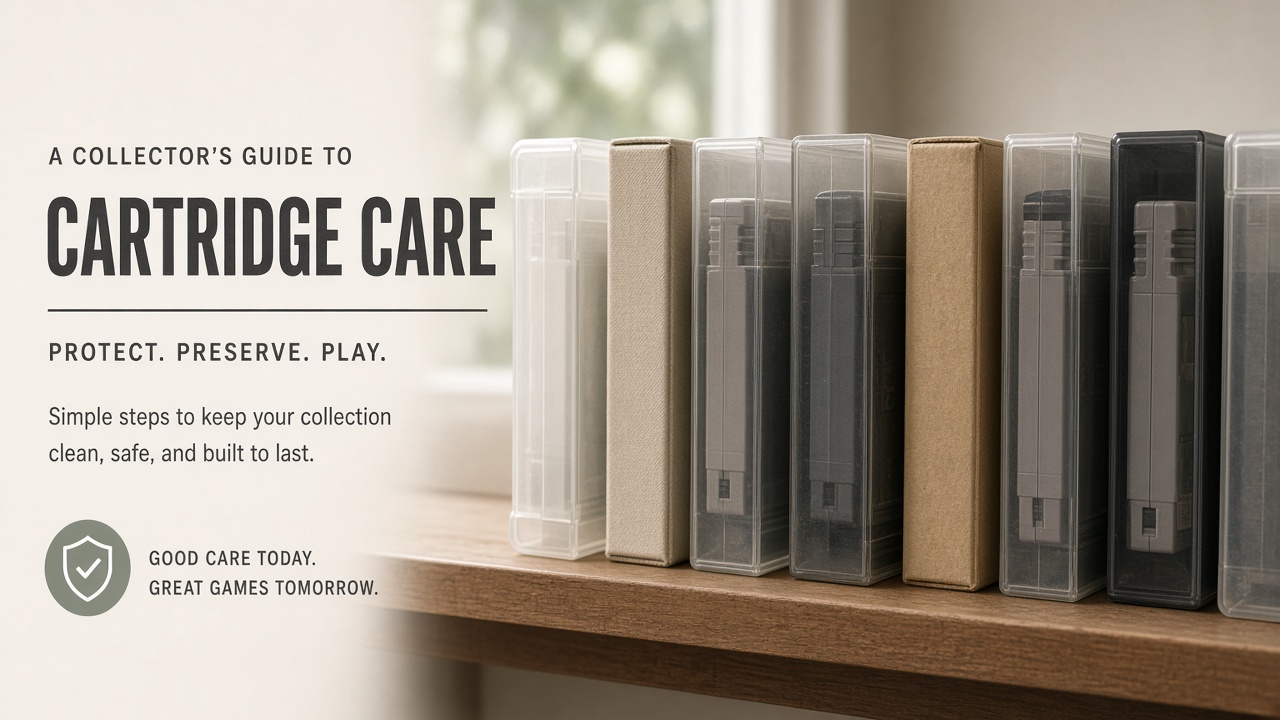
NES, SNES, N64, Game Boy… the classic symptom: you insert the cartridge and the console will not boot, blinks, or shows garbage on screen. It is usually bad contact between the cartridge pins and the console slot.
Why it stops responding
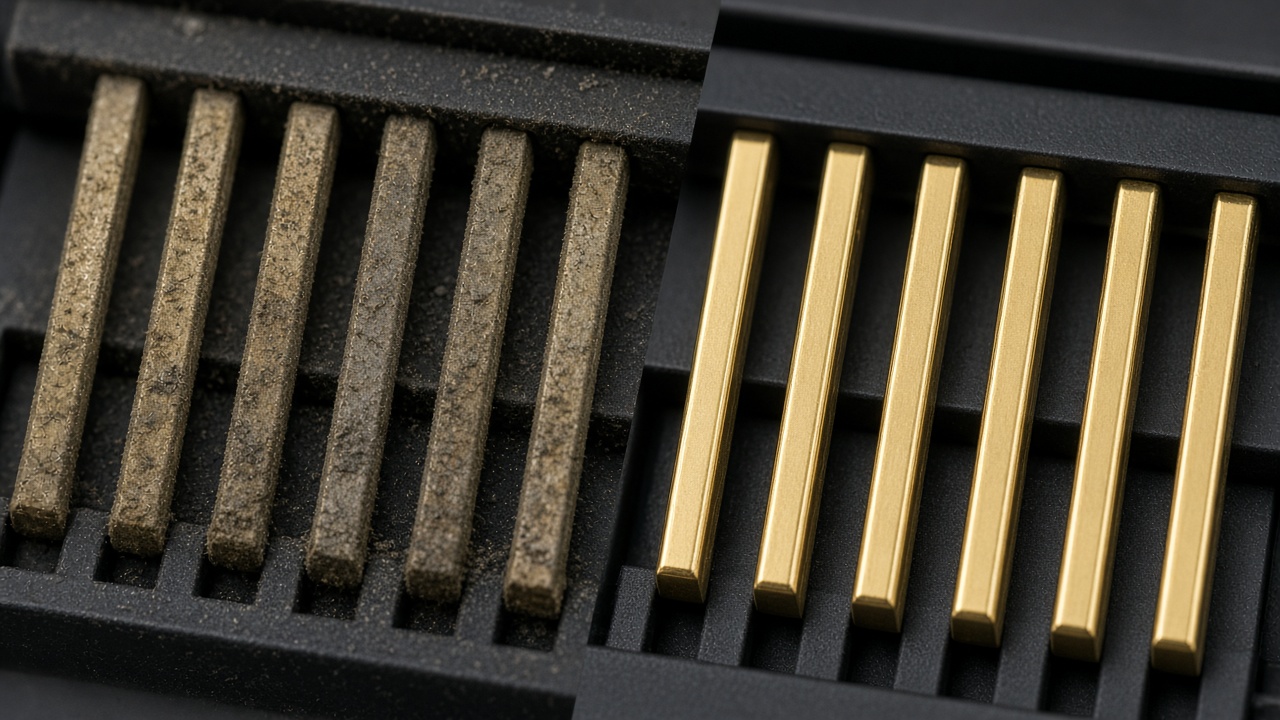
Between the console connector and the cartridge pins, a thin layer of dust, grease, or oxidation is enough for the signal to fail.
Cleaning with a cotton swab and IPA
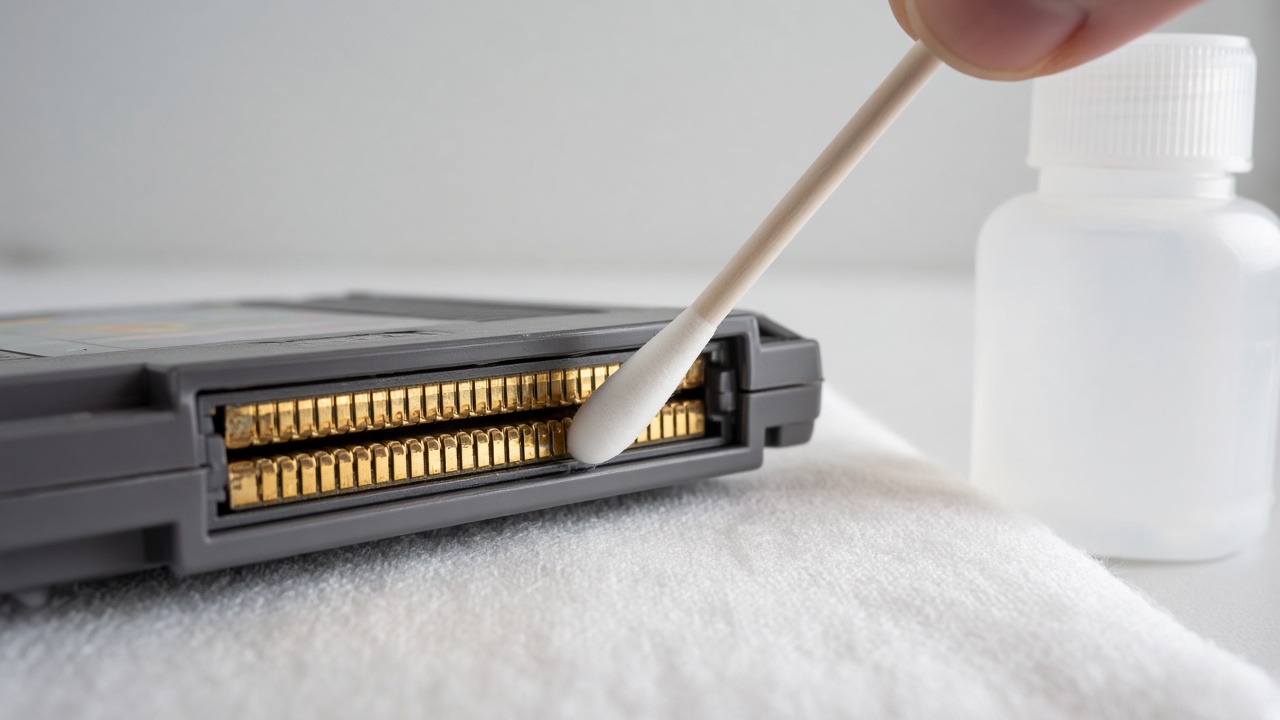
- Use 90–99% isopropyl alcohol (IPA). Avoid water and toiletry alcohol with oils.
- Damp a cotton swab; do not soak it dripping wet.
- Wipe the pins in one direction, with gentle pressure.
- Change the swab if it turns black or gray.
- Let it dry 1–2 minutes and test on the console.
Do not use aggressive pencil erasers as a first resort, or abrasive cleaning.
If it still fails
- Try another known-good game: sometimes the console slot is dirty too.
- Clean the slot carefully (air + IPA on a swab).
- Check that the cartridge is seated properly.
How to prevent it
- Dust covers / lids on consoles when you are not playing.
- Sleeves or cases for cartridges.
- Avoid sun and extreme heat.
- Do not stack weight on top of cartridges.
Related: basic care · clean a console.
All guides Collecting blog Store Marketplace
Comments
Be the first to comment.